DaySteps Connections
Share the everyday load. Keep every role clear.
Share grocery lists, chores, and one-off tasks with a partner or co-parent. When a clinician or educator connects, DaySteps gives them a view and actions defined for that role.

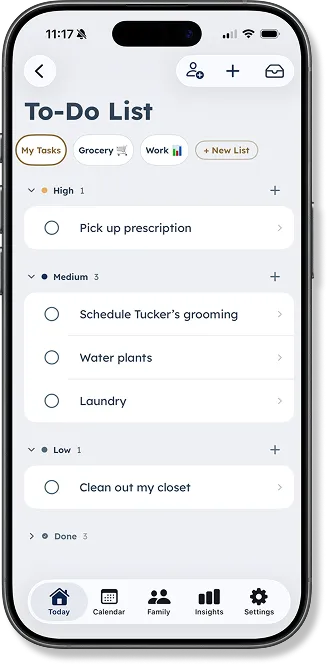
Shared To-Do Lists
One list for the things you’re carrying together.
Build a grocery list together, send a chore, or capture a one-off task before it gets lost. Shared To-Do Lists give partners and co-parents one place to see what needs doing—without turning every task into a routine.
-
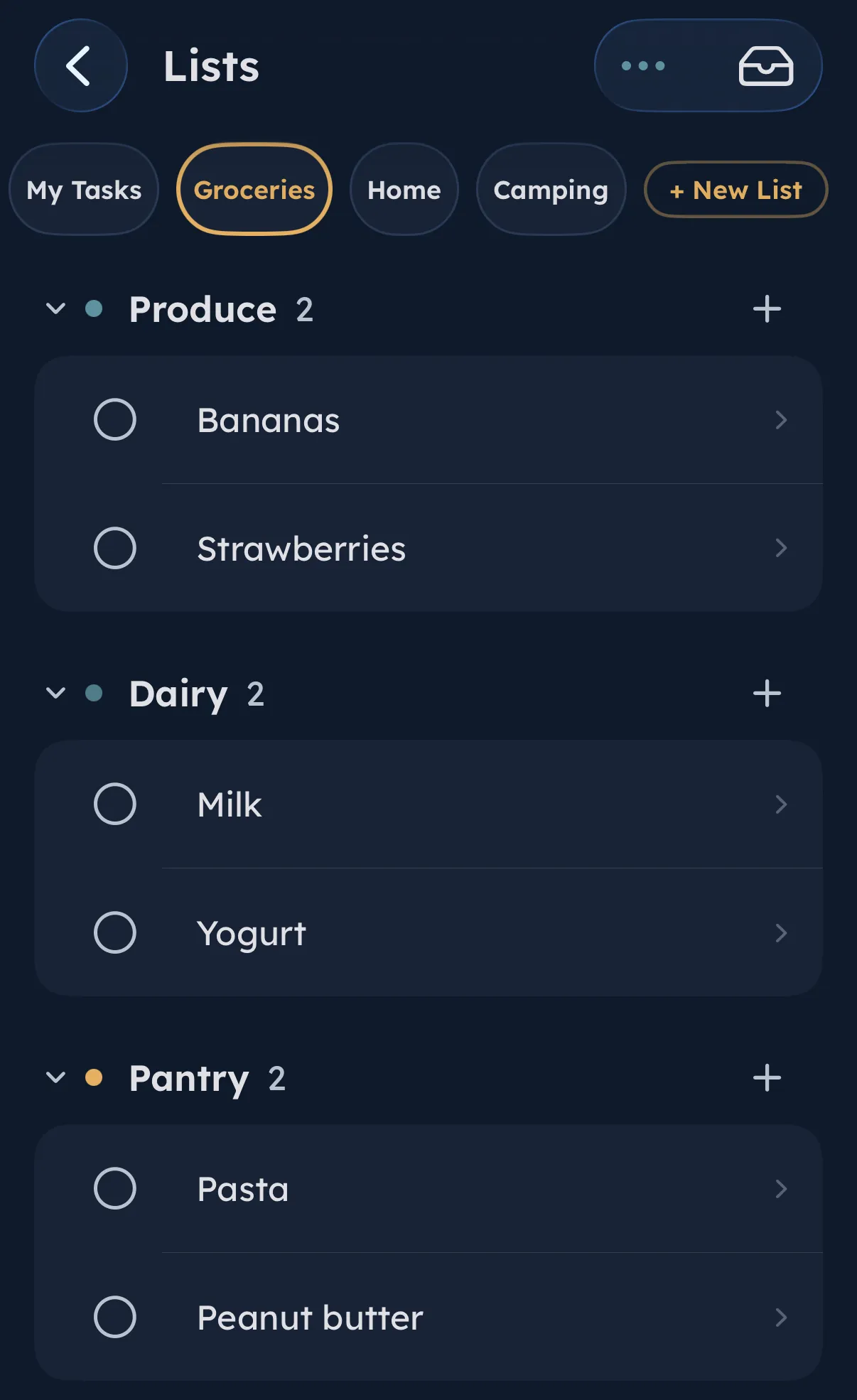
Build the list together
Keep groceries, errands, packing, and household tasks in one shared place.
-
Send the next task
Assign a chore or one-off task to your partner or co-parent.
-
Keep routines for what repeats
Use To-Do for work that changes from day to day.
How connections work
Connect by code. Approve the relationship. Keep control.
A connection changes what another adult can access. It does not give every role the same permissions.
-
Step 01
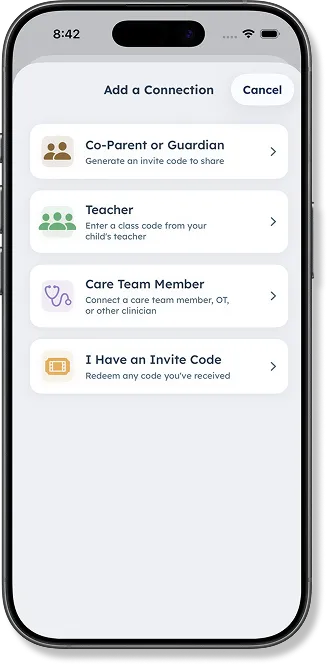
Choose the relationship
Start from the kind of connection you are making. A co-parent, a teacher, and a Care Team member each follow their own flow.
-
Step 02
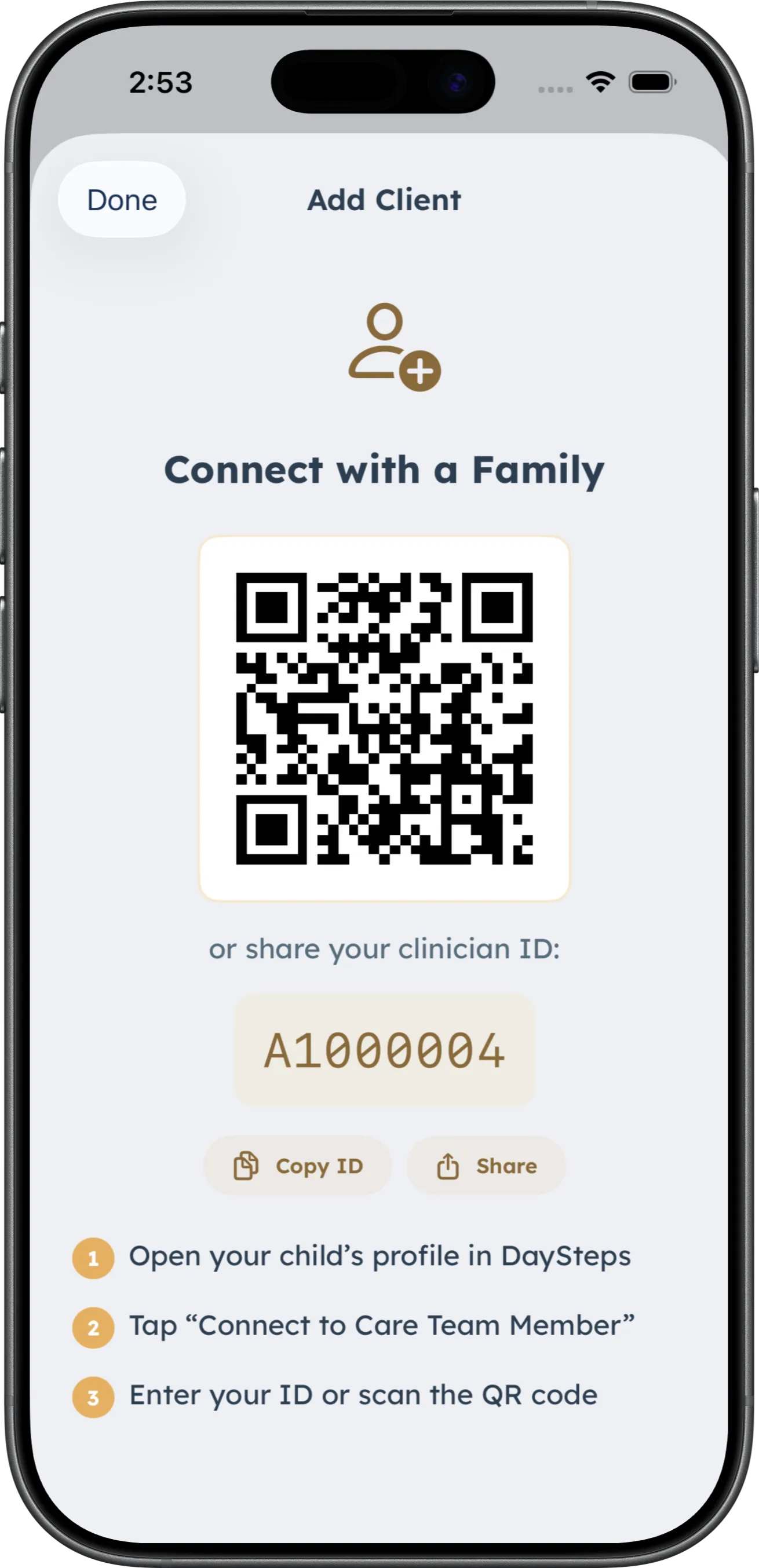
Share a connection code
A DaySteps connection begins with a code shared between the family and the other adult. Professional access begins only after the parent approves the connection for that child.
-
Step 03
Open the role-specific view
Co-parents, Care Team members, and educators receive different permissions by design. Professional access ends when the connection is removed.
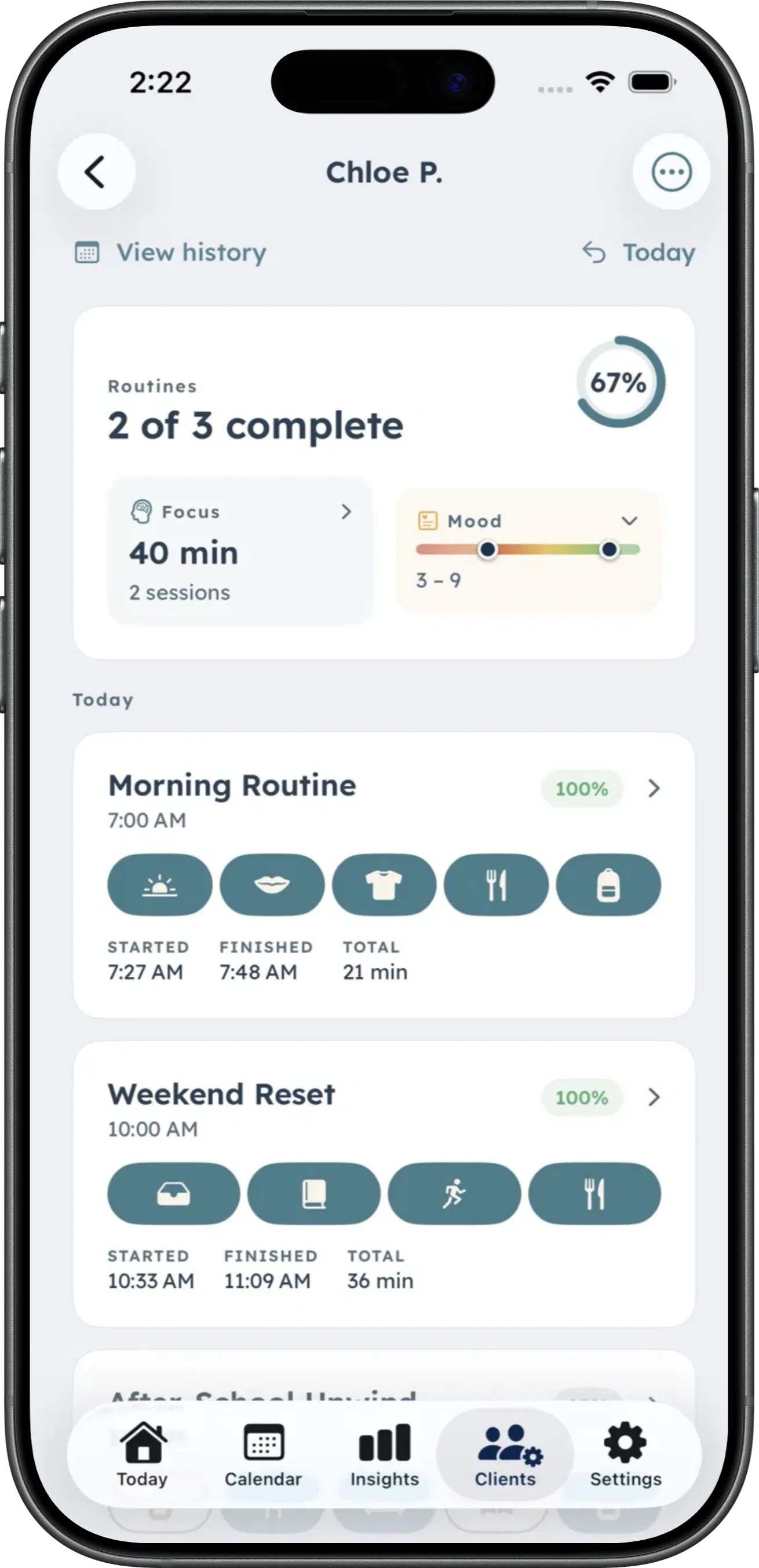
Care Team suggestions
Every suggestion goes through the parent.
The family’s routine remains parent-created. A connected Care Team member can recommend a structured change without editing it directly.
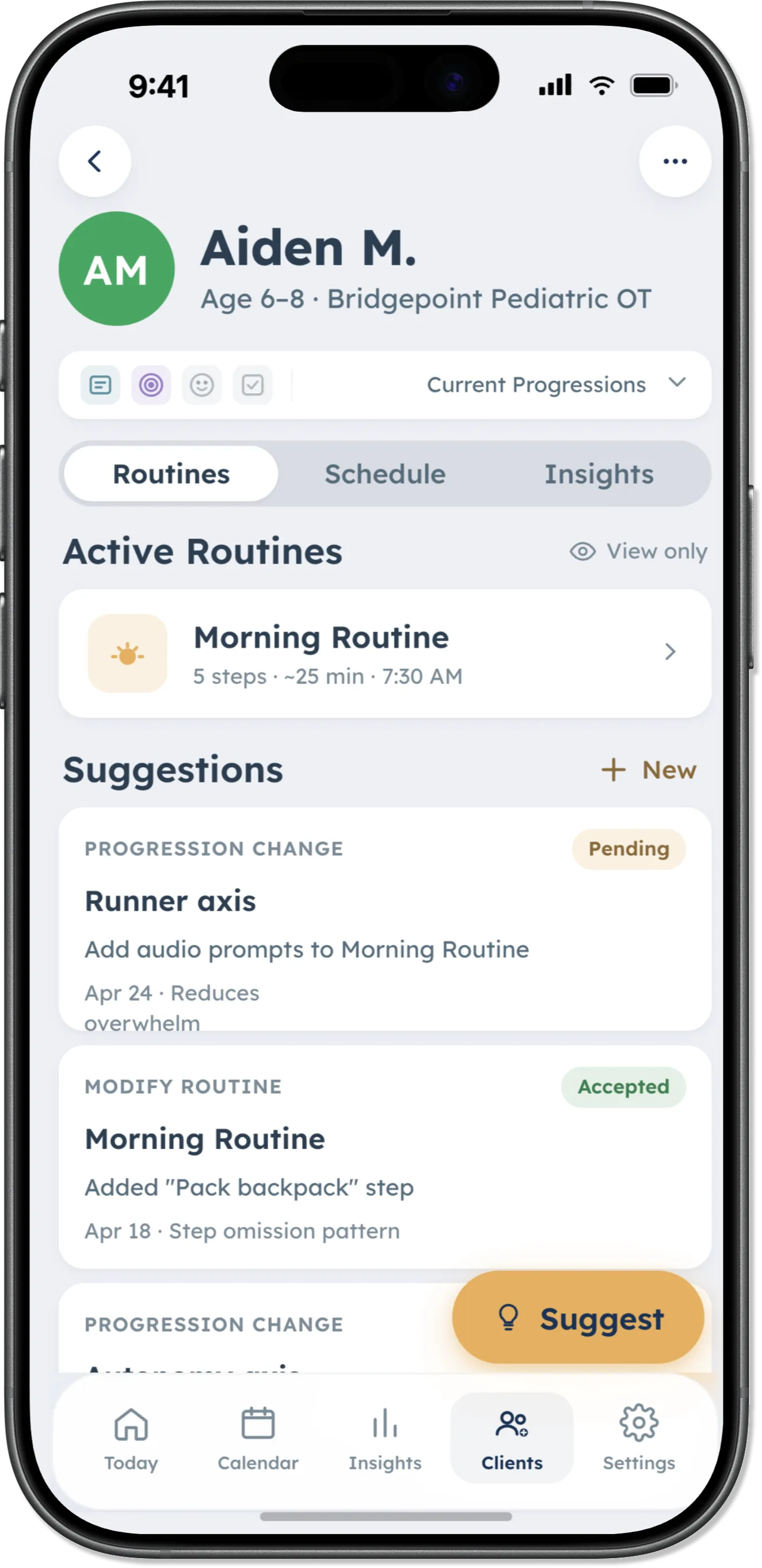
-
Review permitted context
See shared patterns across routines, focus, mood, and parent-set support levels.
-
Recommend a structured change
Send a before-and-after suggestion for a specific parent-created routine. There is no open-ended chat.
-
Parent approves or declines
Nothing changes for the child until the parent decides.
Clinicians suggest. Parents decide.
Boundaries by design
Connected does not mean unrestricted.
DaySteps uses defined roles and structured actions instead of open-ended communication or silent changes. Professionals cannot edit family routines directly. Parents can remove a professional connection to end access.
No chat. No public profiles. No provider directory. No automatic sharing with schools, districts, or insurers.
Read the privacy policyAccess
Start with one clinician connection on any plan.
Every DaySteps tier, including Free, includes one clinician connection. When a household connects to a DaySteps Practice account, Family access is included at no cost while the connection remains active.
Share the work without sharing every permission.
Download DaySteps free on iPhone and iPad.