DaySteps for Families
Visual schedules your child can follow. Support you control.
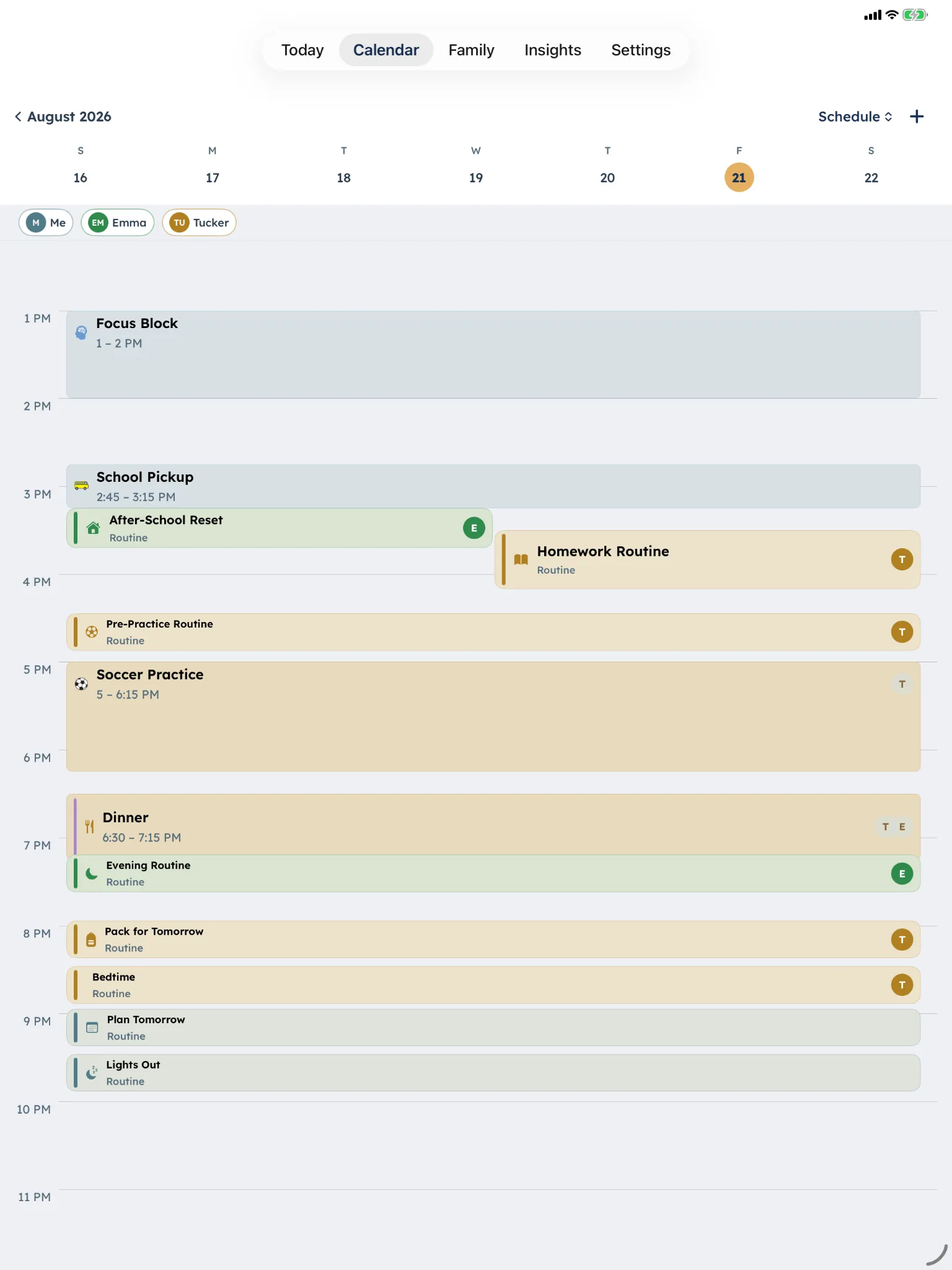
Build the routine once, then give your child a calm, step-by-step way through it. Start with more structure and adjust one part at a time as their needs change.

How it works
The routine doesn’t have to live in your head.
DaySteps keeps the steps, timing, and daily structure visible, so the routine doesn’t depend on anyone remembering what comes next.
-
Step 01
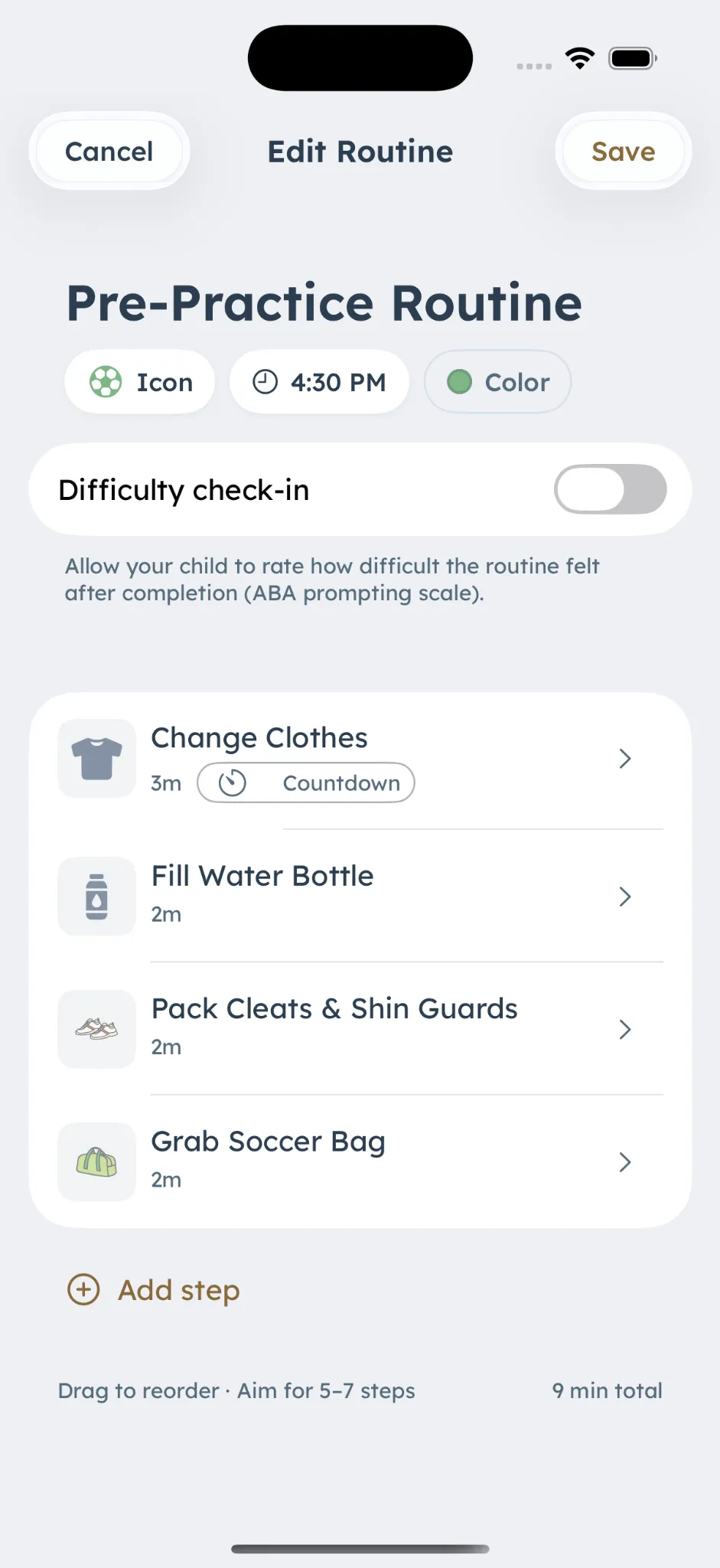
Build the routine once
Add the steps, icons, timing, and schedule that fit your day.
-
Step 02
They follow the level you choose
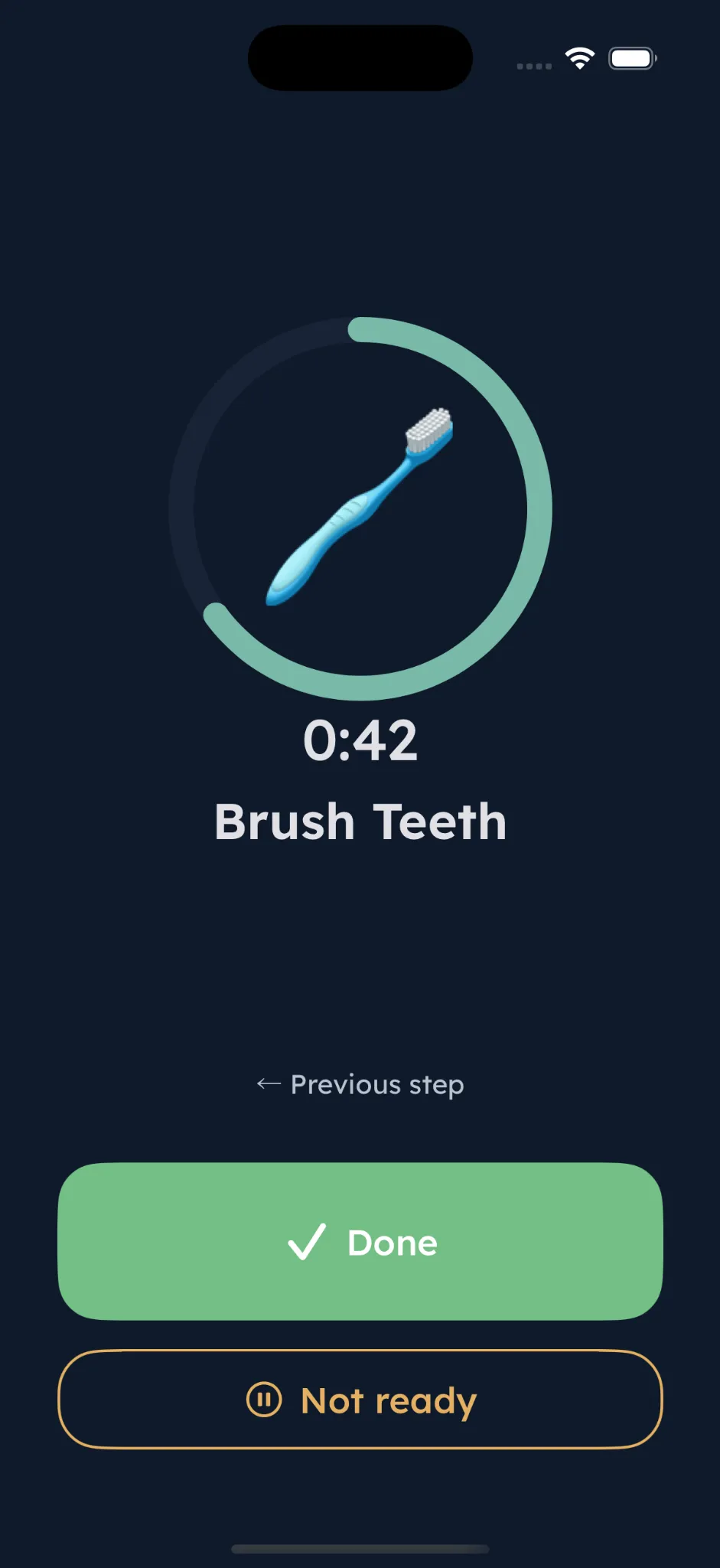
Start with one step at a time. Add a preview, or let your child choose guided steps or a checklist when that support fits.
-
Step 03
Adjust with real context
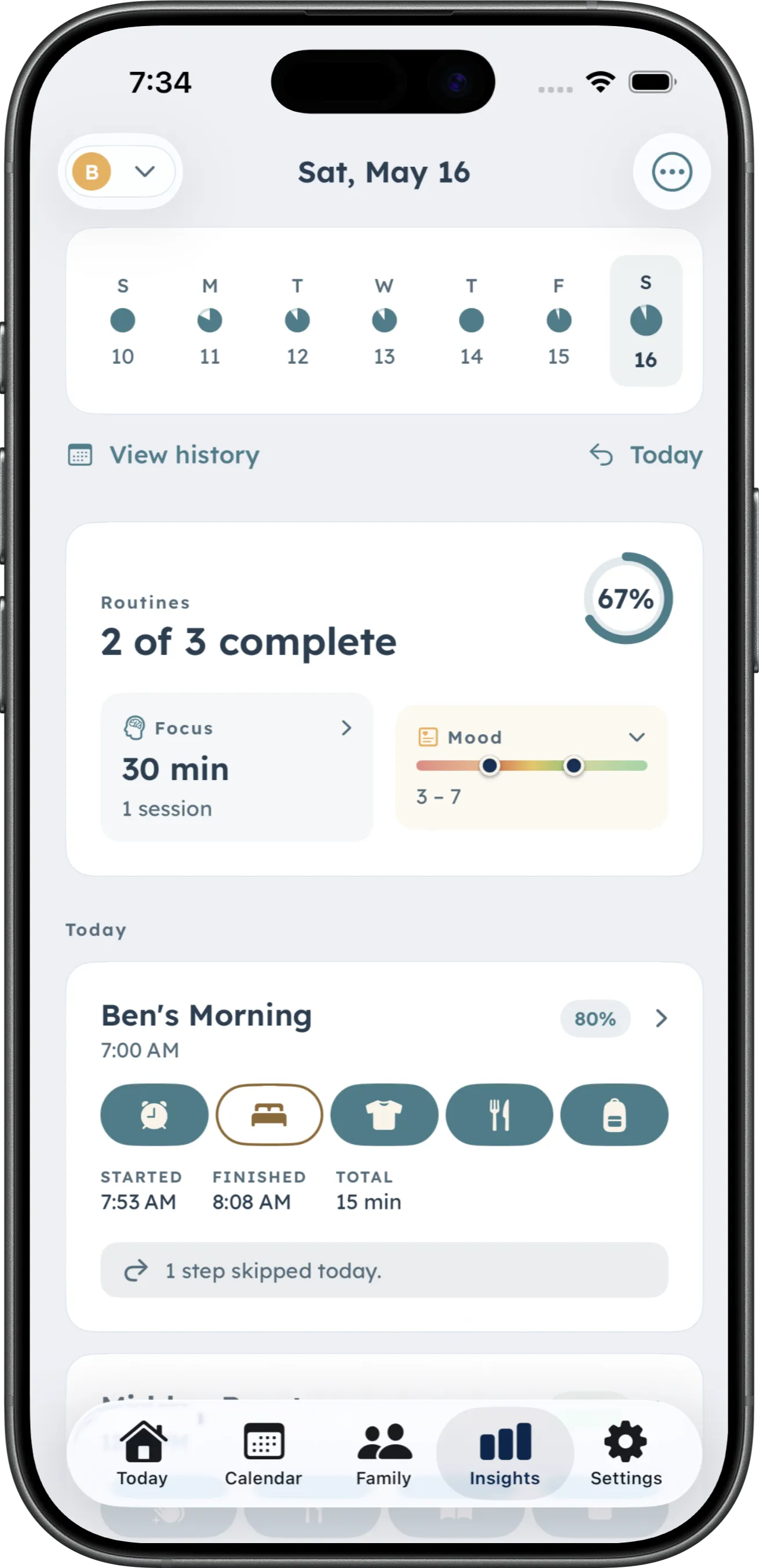
See patterns across routines, focus, and mood over time, then change one support setting at a time.
Adjustable support
Change one part without changing everything.
A child may be ready to see more of a routine and still need a narrower calendar view. Adjust routine presentation, feature access, calendar visibility, what progress information your child sees, and how much they can manage independently.
Five adjustable support settings
- Feature Access
-
- My Routines
- Focus
- Mood
- To-Do
- Presentation Level
-
- One Step at a Time
- Preview Next Step
- Choose Guided or Checklist
- Calendar Level
-
- Anchor View
- Full Day
- 3-Day View
- Full
- Insights Level
-
- Hidden
- Daily Insights
- Summaries
- Trends
- Account Control
-
- Receives Support
- Requests Changes
- Co-Manages
Caregivers control each support setting. Nothing advances automatically.
No points. No streaks.
Nothing to lose on a hard day.
DaySteps makes the next step clear without turning daily routines into a reward system. An incomplete routine is not treated as failure.
Grounded in published research on executive function, visual activity scheduling, time perception, and systematic prompting. DaySteps is a compensation and support tool, not a treatment or diagnostic.
Explore the clinical philosophyBuild the routine once. Make the next step clear.
Download DaySteps free on iPhone and iPad.