DaySteps Daily Tools
Not everything needs a routine.
Share the one-off work, make time visible, and capture what shaped the day—with To-Do Lists, Focus, and Mood inside DaySteps.

Shared To-Do Lists
One place for the work that changes every day.
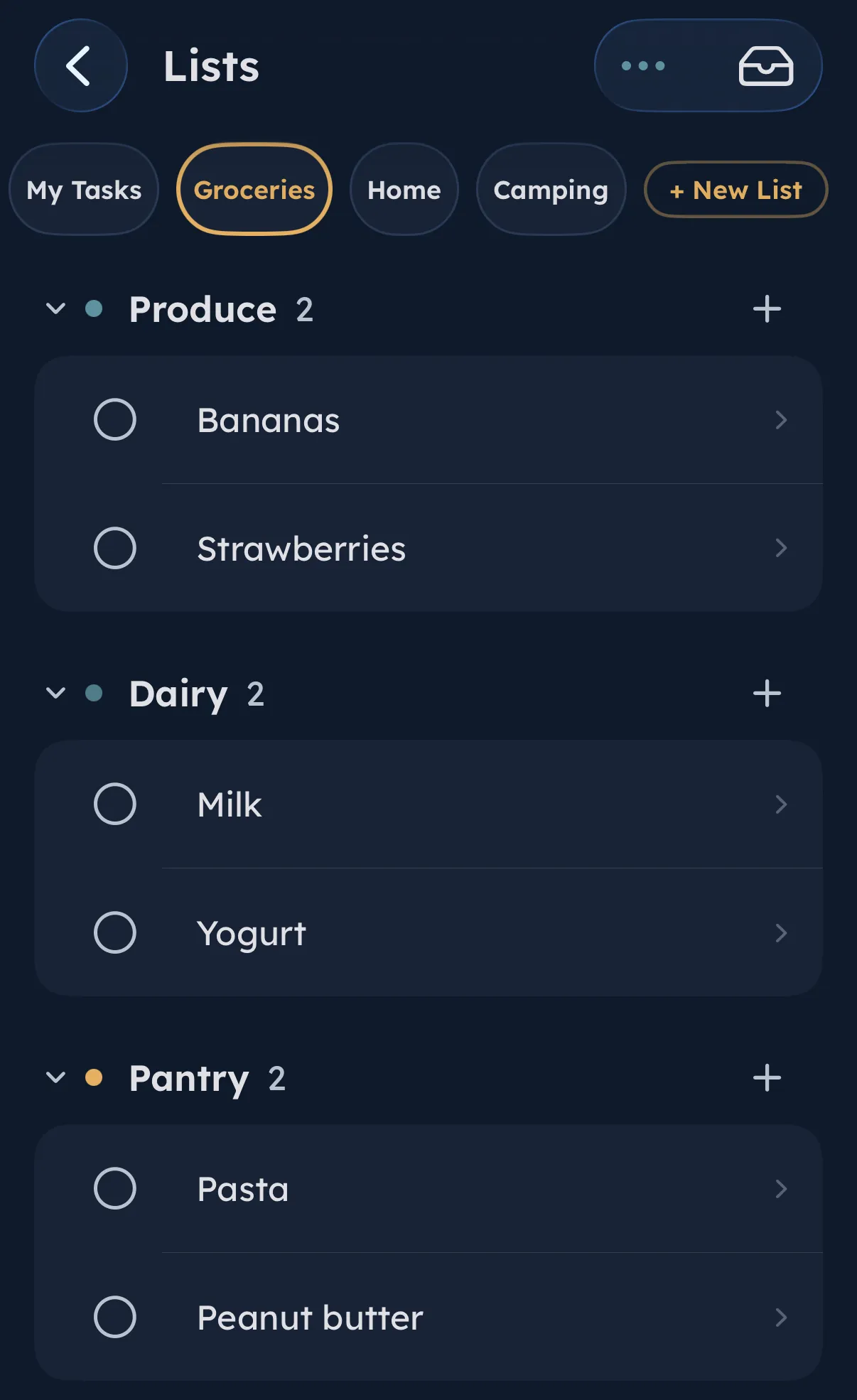
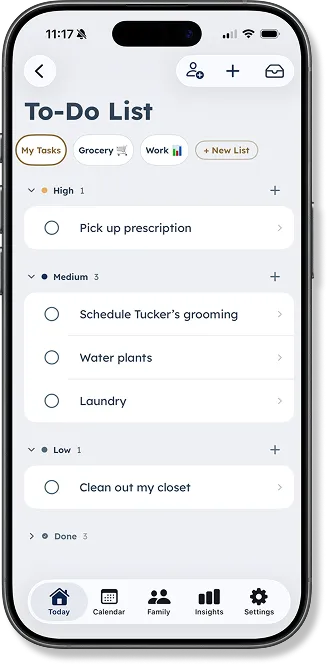
Create separate lists for groceries, home, work, packing, or whatever else is easy to lose track of. Keep a list personal or share it with a partner or co-parent.
-
Separate lists, less sorting
Keep each part of life in its own list.
-
Share the household load
Build grocery lists together or send the next chore.
-
Organize it your way
Group items into categories and add the next one without leaving the list.
Focus Timer
Make time visible. Keep the ending calm.
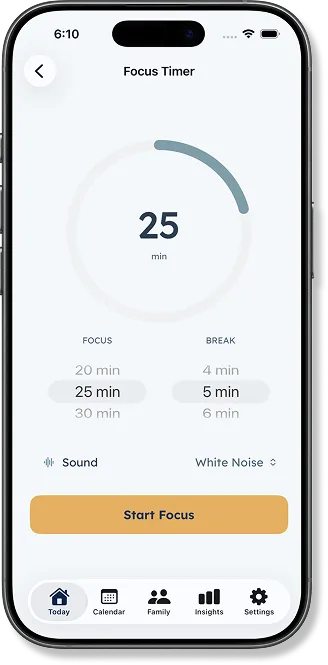
Start a flexible focus session when a full routine would be too much. Keep the countdown visible on its own or inside a routine, with optional Spotify focus audio when it helps.
-
Choose the session
Set the amount of time that fits the task.
-
Stay anchored
Use the visual countdown and optional focus audio.
-
Finish without fanfare
Completion stays calm, without penalties or failure states.
Mood check-ins
Record the context, not just the feeling.
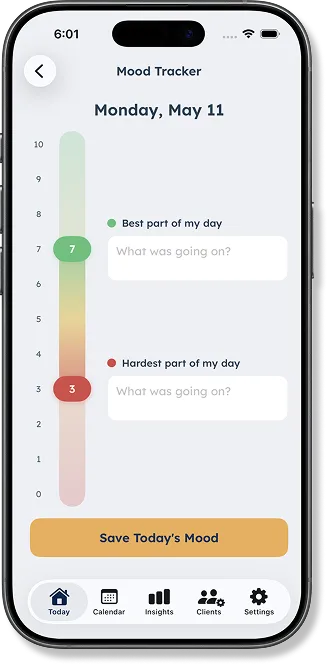
A quick 0–10 check-in captures the best and hardest parts of the day and what was happening around them. Families and permitted Care Team members can review patterns over time.
-
A simple 0–10 scale
No emoji grid or forced label.
-
Capture what shaped the moment
Add the context around the day’s highs and lows.
-
Notice patterns over time
Connect mood with routines, focus, and daily context inside Insights.
Choose what appears
Show the tools that help. Leave the rest out.
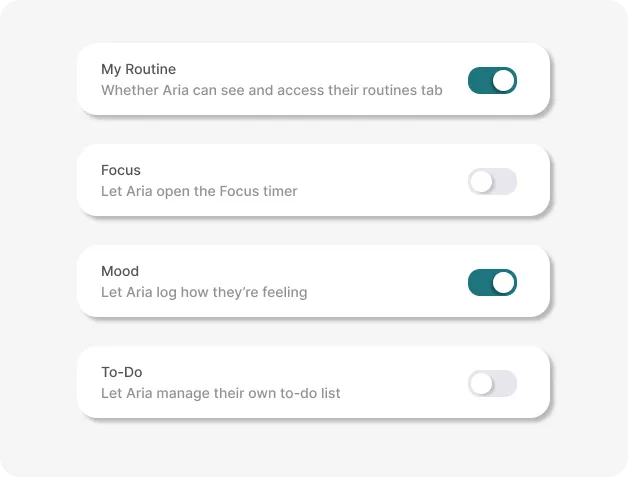
Parents choose whether Focus, Mood, and To-Do appear for each child. The child sees only the tools selected for them, and those choices can change as their needs change.
-
To-Do
Their lists, or none
Whether the child can open and manage To-Do Lists.
-
Focus
The timer, when it helps
Whether the child can open the Focus timer.
-
Mood
Logging, only if wanted
Whether the child can log how they are feeling.
Calm by design
No points. No streaks.
Nothing to lose on a hard day.
Daily Tools support the moment without turning it into a reward system. No penalty animation for pausing. No mood-to-behavior score.
Use the tool the moment needs.
Download DaySteps free on iPhone and iPad.